
Editor X
Site Checker
Use the Site Checker to look for issues recommend fixing across your site, to make your visitors' experience ideal. It automatically scans the entire page to find issues related to the different breakpoints, accessibility, security and much more.

Scan For Issues
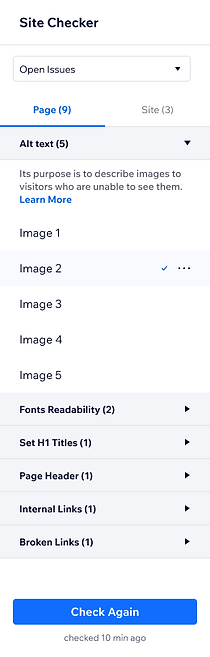
The Site Checker scans the current page you're editing. Once the automatic scanning is done, you can see a list of all the issues that were detected.
Issues States
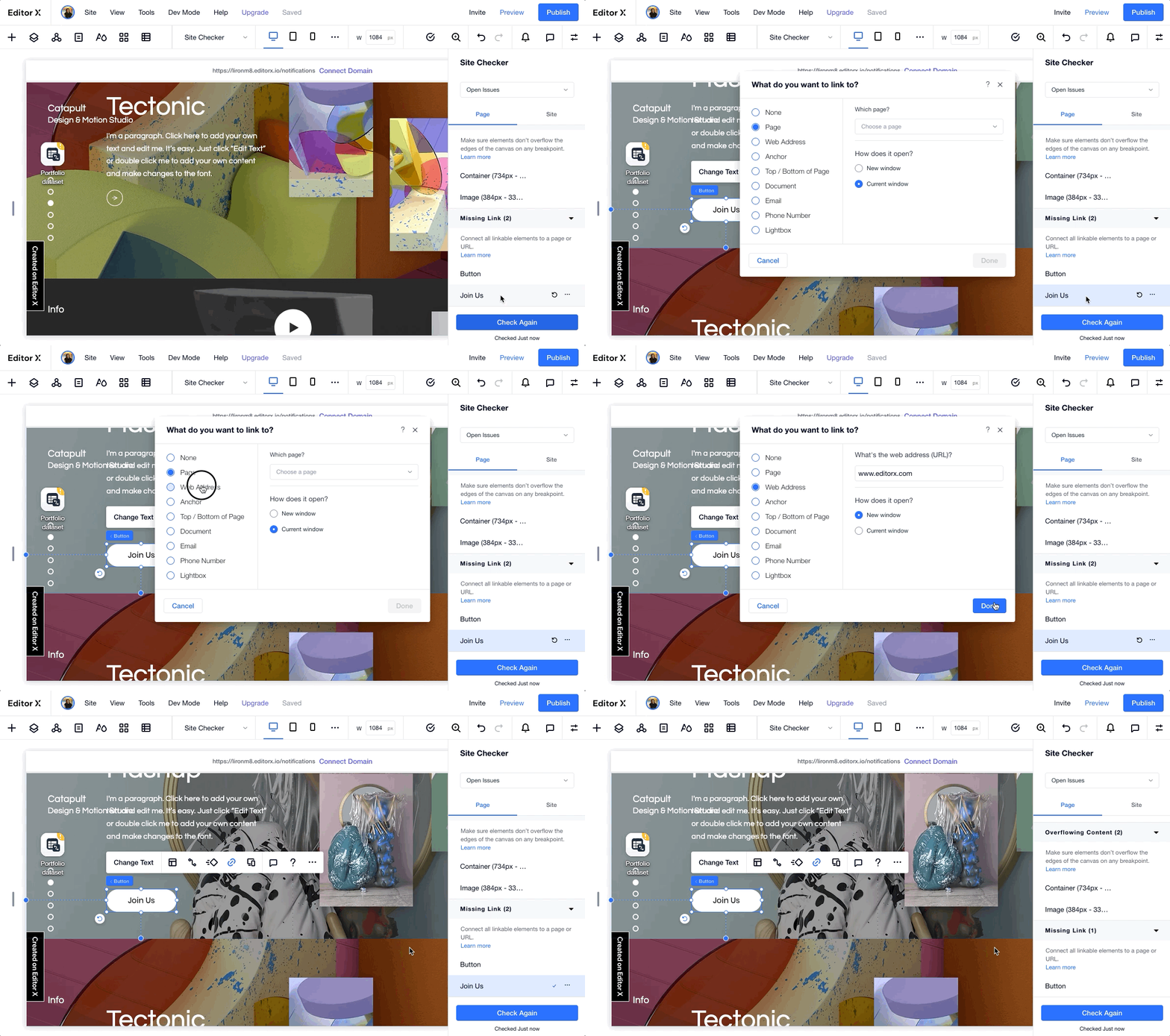
You can run the check on a single component. Clicking the refresh button icon will run the check. If the issue is resolved, a checkmark will show and issue will disappear from the list. If the issue is not resolved, a red indication will show.



Resolve Issues
When selecting an issue from the site checker panel, the stage scrolls and highlights the component. Then the user can easily resolve the issue without the need to search for the location of the issue by himself.

Empty States
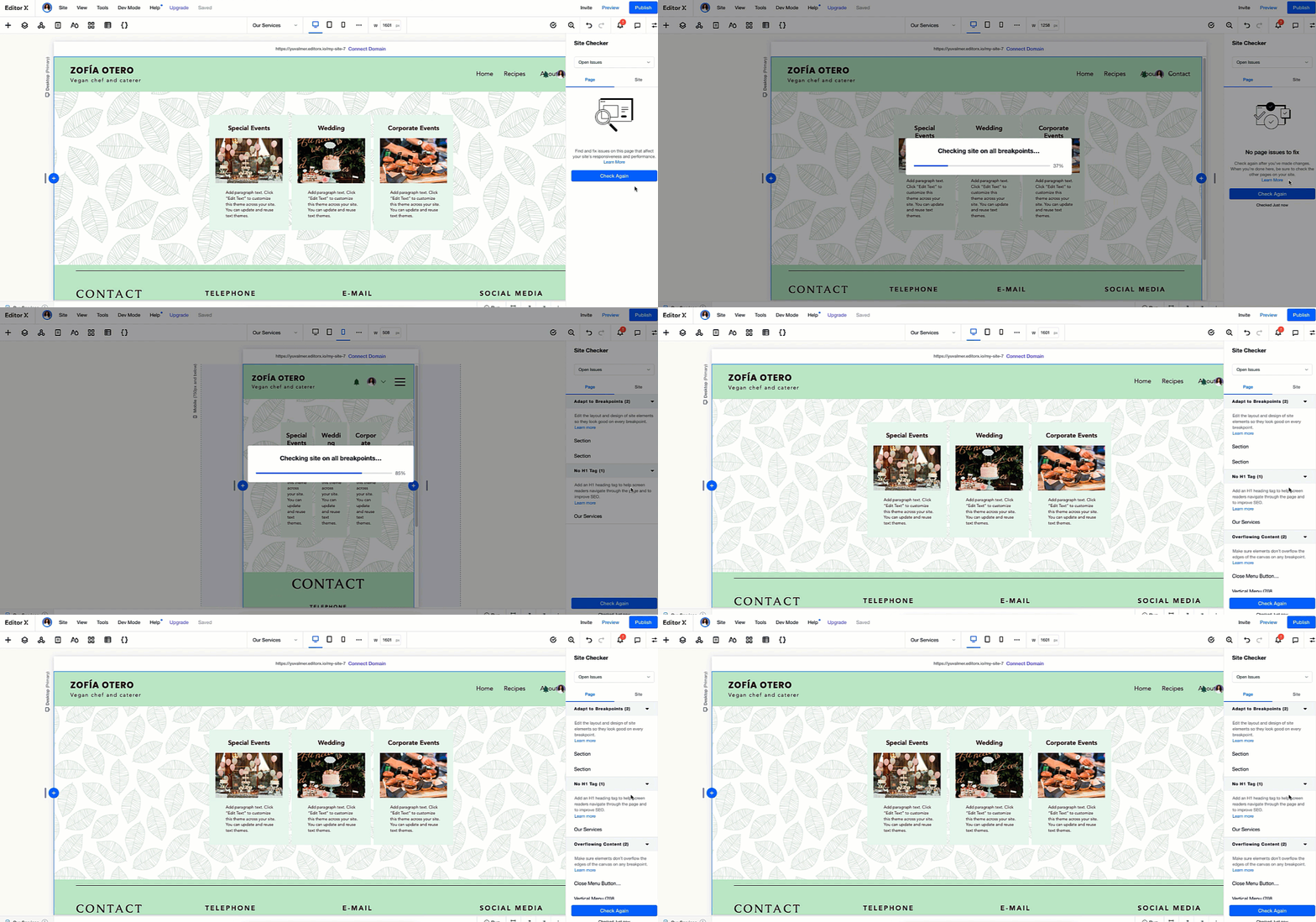
Site checker works on page level and site level. Therefore, the empty states are crucial for the user's orientation around the tool. From the first use to checking the same page again we made to sure to cover all cases.


Game Changer
The site checker feature made a lot of impact on our users. It decreased the calls to support significantly and made it much easier to detect and resolve accessibility issues. These replies are from Editor-X community. The site checker started as an Editor X project but today it is implemented by other WIX editors.